
Pass data to ASP.NET Web Service (ASMX) from Cross-Origin
In this blog, we are going to create “Hello World” ASP.Net Web Service (ASMX) with parameter and allow request from cross-origin.
Now here we implement ASP.Net Web Service from Visual Studio 2017.
We have created empty ASP.Net Web Application solution and added “demo.asmx” in solution. Then, added code for “HelloWorld” method with “name” parameter as mention below snippet:
1 - Script to get list of all database name and its user in SQL Server
1
2
3
4
5
6
7
8
[WebMethod]
[ScriptMethod(ResponseFormat = ResponseFormat.Json)]
public string HelloWorld(string text)
{

return "Hello World " + text;

}
We will invoke this web service using HTTP verb. So, we defined “ScriptMethodAttribute” for set response format JSON.
We need to enable script service to invoke & pass parameter in Web Service from script as shown in below screenshot:

Then set demo.asmx as startup page and run/test this web service on IIS:
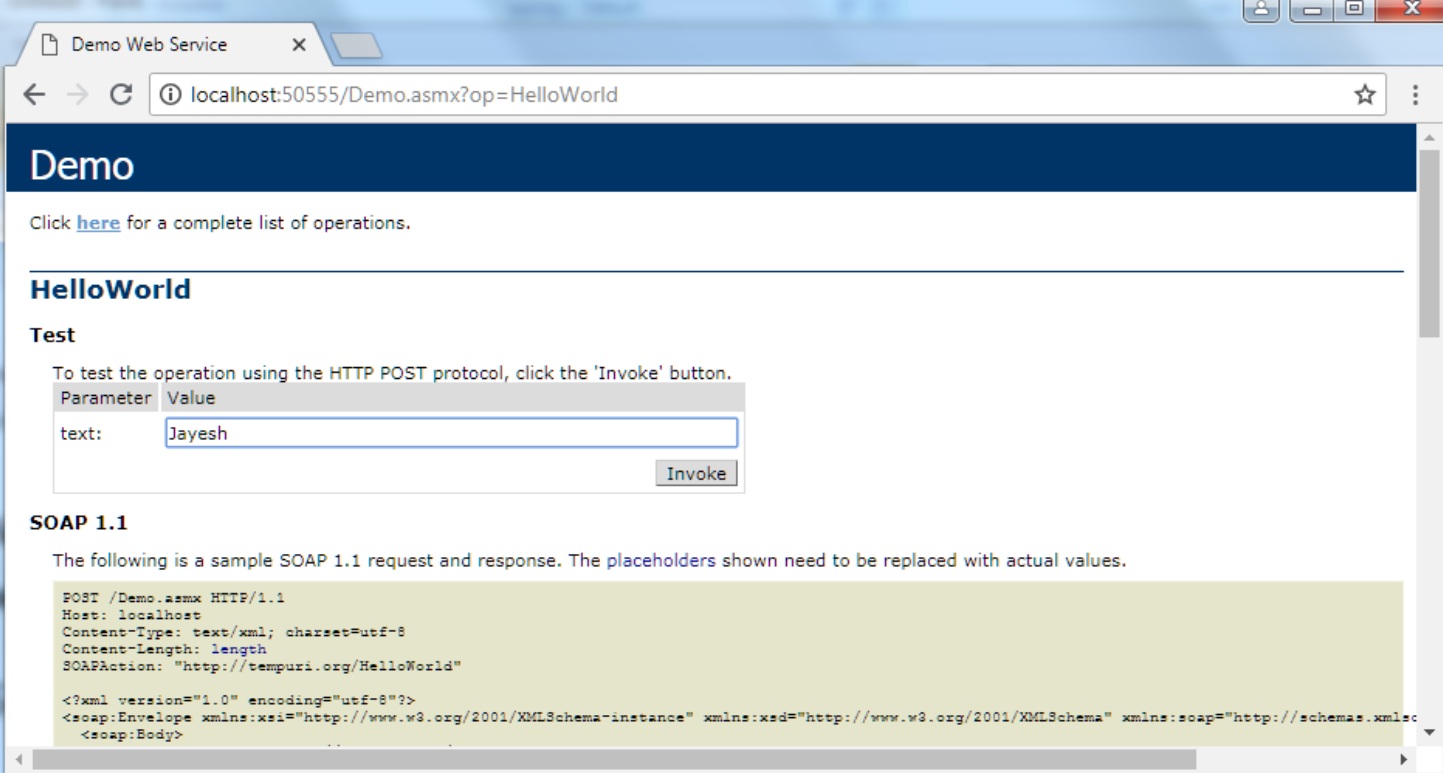
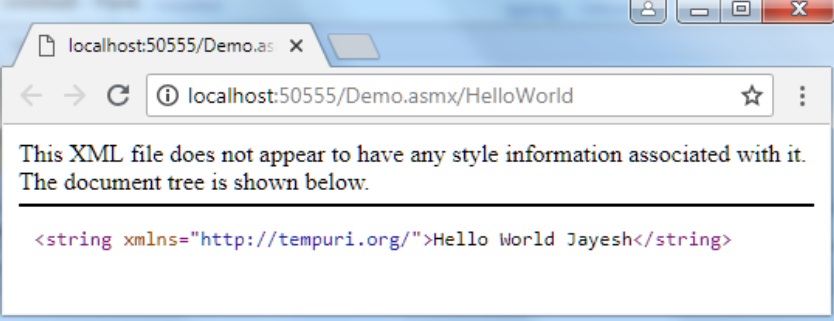
Below is example of “Helloworld” webservice:
1
2
3
4
5
6
7
8
9
10
11
$.ajax({
  type: "POST",
  url: "http://localhost:50555/Demo.asmx/HelloWorld",
  data: {'text':' Jayesh'},
  success: function(data) {
    console.log(data);
  },
  error: function(request, status, error) {
    console.log(request);
  }
});
We will receive this error message: No ‘Access-Control-Allow-Origin’ header is present on the requested resource. Origin ‘http://localhost:11111’ is therefore not allowed access.
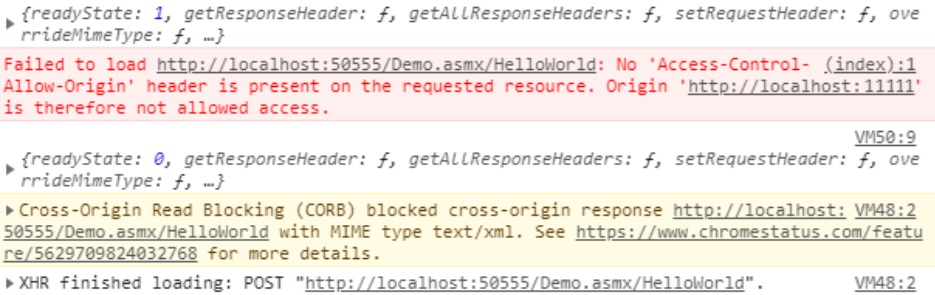
To solve above error we will need to add following code under configuration node in web.config:
1
2
3
4
5
6
7
8
9
<system.webServer>
<httpProtocol>
<customHeaders>
<add name="Access-Control-Allow-Headers" value="accept, content-type" />
<add name="Access-Control-Allow-Origin" value="http://localhost:11111"/>
<add name="Access-Control-Allow-Methods" value="POST, GET, OPTIONS" />
</customHeaders>
</httpProtocol>
</system.webServer>
Now when we request this web service, it will successfully return and response of web service as below in console:

Conclusion We have learned about pass data to ASP.NET Web Service (ASMX) from Cross-Origin.
Thanks for reading article.